Best Mac for Logic Pro in 2026
Logic Pro 12 requires Apple Silicon and macOS 15.6. That is confirmed on Apple's own Logic Pro page. Every Mac Apple sells today ships with Apple Silicon, so the requirement doesn't narrow your options. What…
The independent Logic Pro hub — real pricing math, hands-on tutorials, honest DAW comparisons, and troubleshooting that starts from symptoms. Checked against Apple's current docs.
Prices verified July 2026 · Source: apple.com/logic-pro
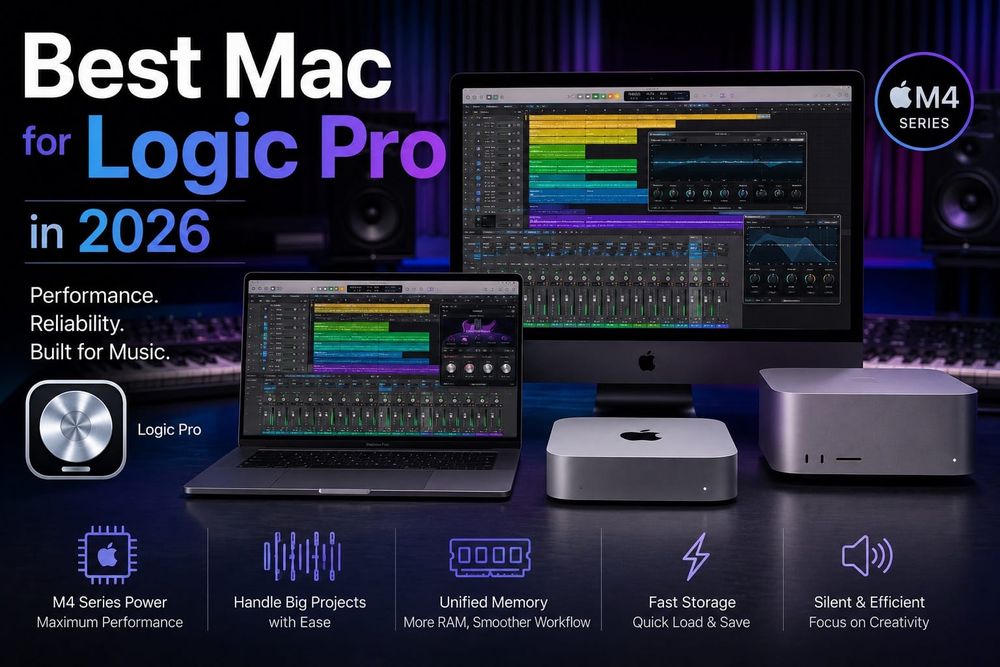
Logic Pro 12 requires Apple Silicon and macOS 15.6. That is confirmed on Apple's own Logic Pro page. Every Mac Apple sells today ships with Apple Silicon, so the requirement doesn't narrow your options. What…
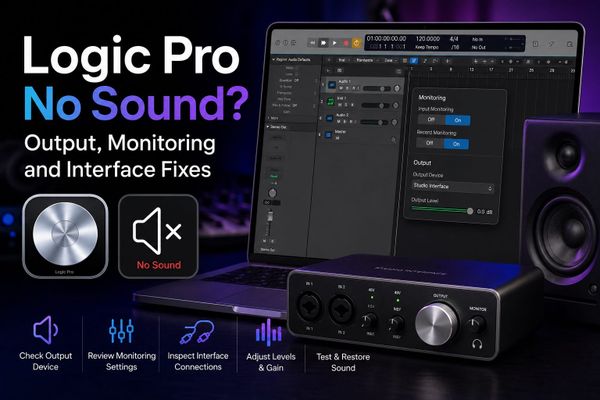
The meters are moving. The faders are up. You press play and hear absolutely nothing. I had this happen mid-session on…
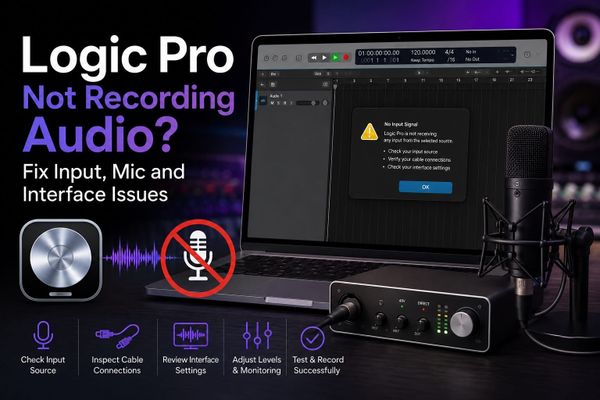
I spent 47 minutes last year diagnosing a dead signal in a vocal session before finding the fix. Everything looked right: the…
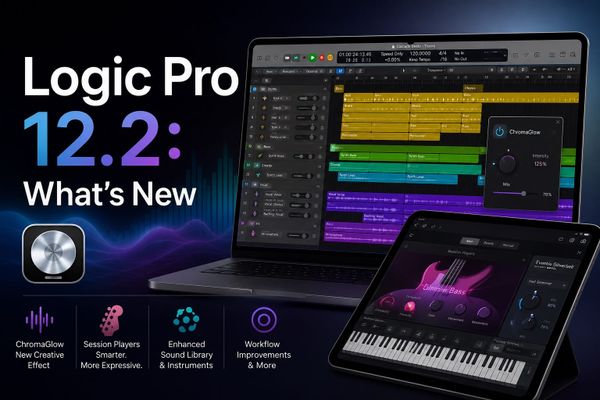
Logic Pro 12.2 landed on April 9, 2026, and the marketing summary Apple put in the App Store made it sound…
Logic Pro is Apple's professional DAW for Mac and iPad — songwriting, recording, beat-making, editing, mixing and mastering in one app. On Mac you can buy it outright or use it through the Apple Creator Studio subscription; on iPad, new users get it only through Creator Studio. The current version is Logic Pro 12.3 (June 2026) — see Apple's release notes and what changed in Logic Pro 12.
No. On Mac it's a $199.99 one-time purchase, or part of Apple Creator Studio at $12.99/month or $129/year. The old standalone 90-day trial is gone — the current route is Creator Studio's one-month free trial.
Logic Pro runs on Mac and iPad. There is no Windows, Android or Linux version, and Apple has never announced one. If you're on a PC, start with the realistic alternatives.
No — not officially, and workarounds like Hackintosh or VMs aren't practical for audio work. DAWs like FL Studio, Ableton Live and Cubase cover the same ground on Windows. Full answer here.
"Logic Pro X" is the old name — Apple dropped the X in 2020. Anything sold today is simply Logic Pro (currently version 12.3), and old "Logic Pro X download" links point to the same app. How to download it correctly.
On Mac, yes — Logic Pro 12 dropped Intel support, so you need an Apple Silicon Mac (M1 or newer). On iPad you need an A12 Bionic chip or later. Full system requirements.
Yes — it's the identical full app, not a lite edition. The only difference is licensing: subscription access versus owning the one-time purchase. Which one is cheaper for you.
For Mac users, usually yes: $199.99 one-time undercuts most rivals' subscriptions within two years, and the stock plugins and sound library are strong enough to finish tracks without third-party purchases. See how it stacks up in our best-DAW-for-Mac comparison.